


A terminal and multiplexer for humans and agents working together.
Version 0.2.0Requires macOS 26 or later and a Mac computer with Apple silicon.
What it is
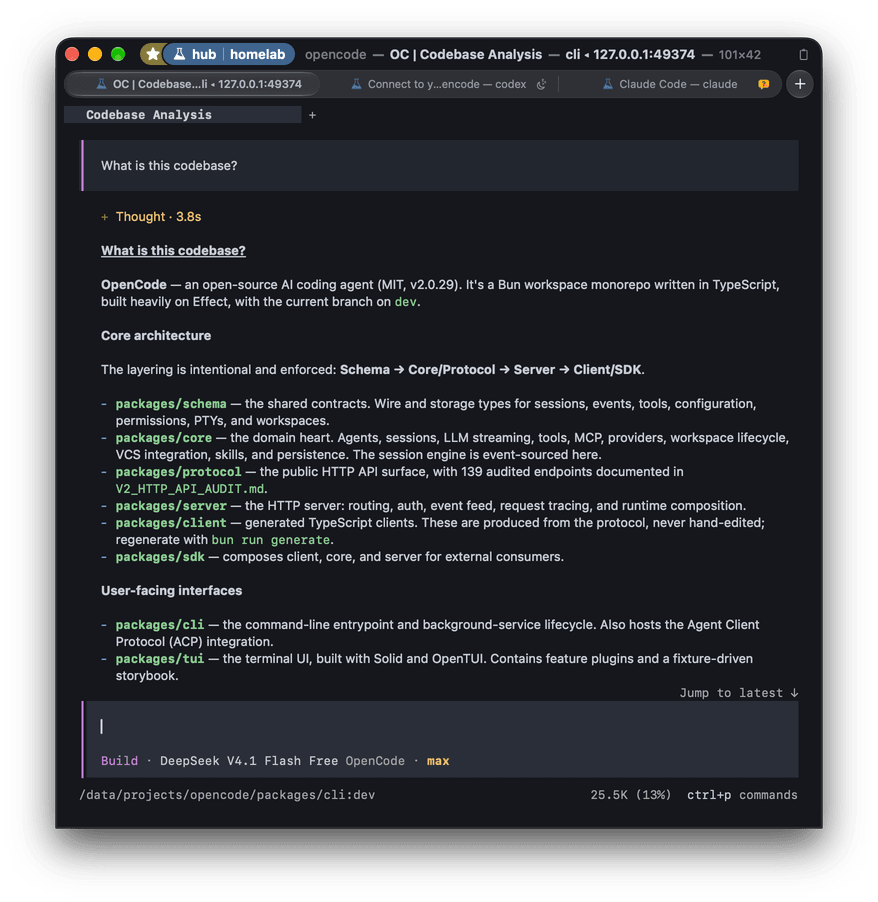
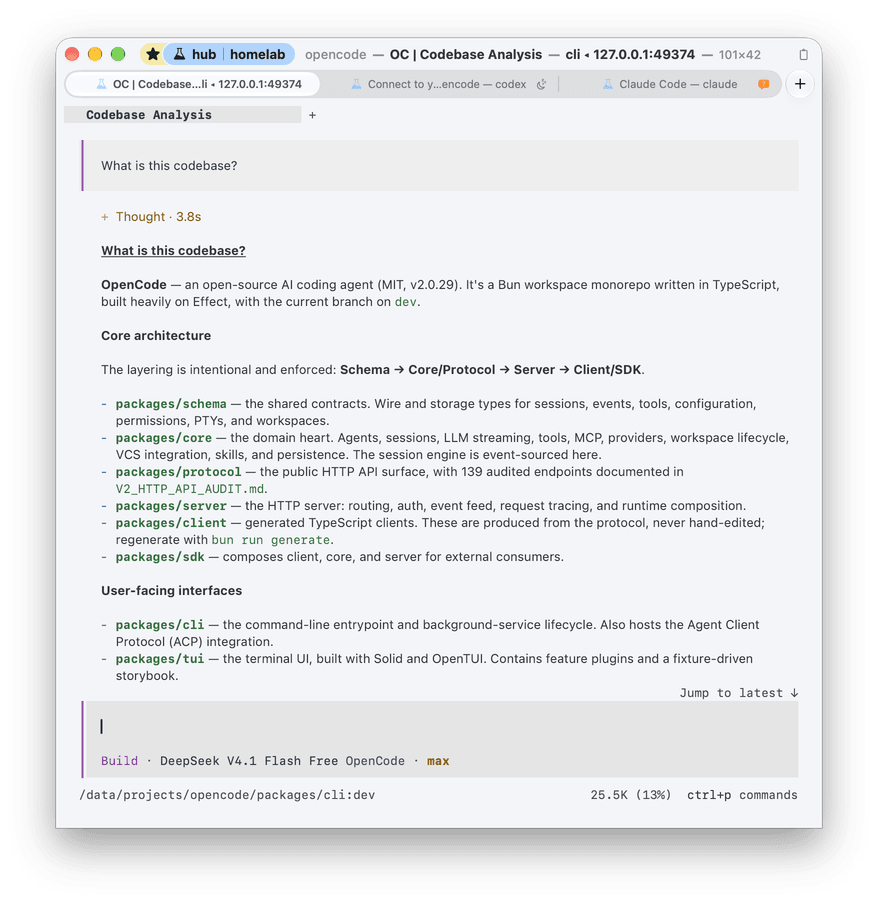
Section titled “What it is”Ubiquitty is a terminal emulator built on one portable C++ core. The same core runs inside the macOS app and inside ubiquitty-host, a daemon that keeps your shells, panes and layout when no window is open. Every client, from the Mac app to a browser tab to an AI agent, attaches to that host and draws the same session. How it works
People and agents can work in the same live terminal. You see the commands, output and program status; an agent asking to attach to a session you occupy waits for your consent. The host enforces permissions, and ubq provides command-line and MCP access to that shared session. Human–agent collaboration
One terminal, several ways to work
Section titled “One terminal, several ways to work”- Native renderingCore builds the frame; Metal, Vulkan and WebGL draw it. Changed rows are tracked separately from the rest of the screen. Rendering and performance
- TypographyProportional, sized and double-height text, real fonts and ligatures. CoreText on Apple platforms, FreeType and HarfBuzz on Linux. Typography
- MultiplexerSessions, windows and panes live on the host. Detach or lose the network, then reattach without restarting the shell. Multiplexer and sessions
- Human–agent collaborationPeople and agents work in the same terminal. An agent asking to attach to a session you occupy waits for your consent. Agents and ubq
And yes, it runs Quake
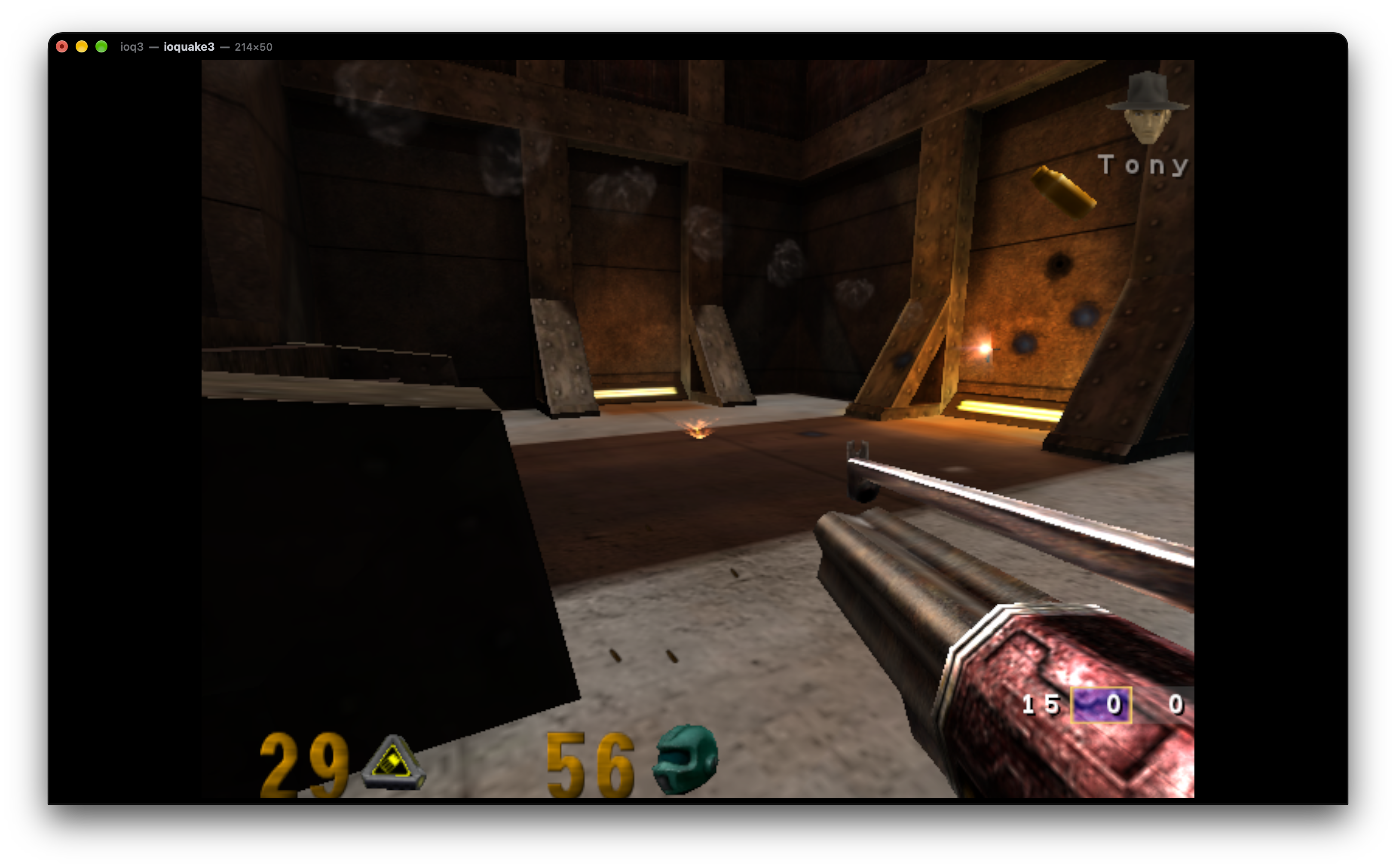
Section titled “And yes, it runs Quake”Quake III, inside a terminal. The ioquake3 terminal driver sends frames through Kitty graphics, using shared memory when available. Ubiquitty supplies the letterboxing and relative mouse input.
Every client
Section titled “Every client”The host keeps the session; each attached client draws it its own way. The macOS and Linux frontends also run local shells. Compare the clients for transport, rendering and permission-interface differences.
- macOSThe native app: Metal, CoreText, tabs and splits, and the full settings and consent interface.
- iPhone and iPadA client of a host over SSH with an optional QUIC upgrade, on the same Metal renderer. No local shell.
- LinuxGTK4 and Vulkan, with FreeType and HarfBuzz text. Runs local shells; does not attach to host sessions.
- Web browserCore compiled to WebAssembly in a page, drawing with WebGL2. Attaches to a host over WebSocket through a development bridge.
- ubq and agentsThe command-line client and MCP server: run, read, wait on and label sessions.
- UbiquittyKitEmbed the terminal: libUbiquittyCore as a C++ library, and UbiquittyKit's Session with local (an embedder-supplied PTY) and remote (host) constructors.
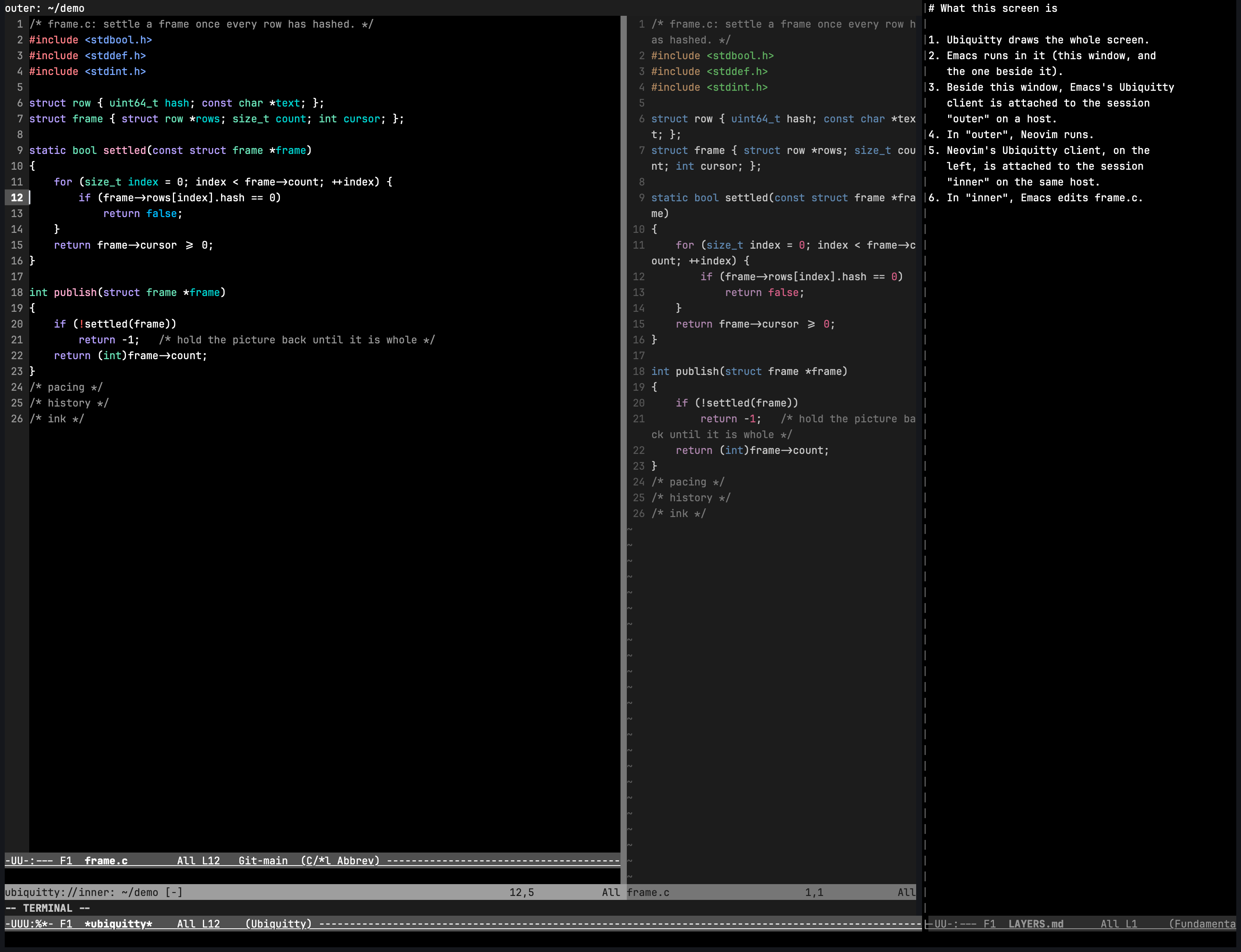
- EmacsA Sync client in Emacs Lisp with no native code. Draws images on graphical frames.
- NeovimA Lua Sync client that paints into a Neovim terminal buffer.
Compare clients, transports and features
Get started
Section titled “Get started”Download the Mac app, or follow Install and build to build Ubiquitty for any platform. Then add shell integration for prompt navigation and command output, or connect to a host to keep sessions on another machine.
Licence
Section titled “Licence”Apache-2.0. Use it, change it and ship it, commercially or not, keeping the licence and notices. The Emacs client is MIT, and forks use their own name and icon. Licence
Ubiquitty and this site are copyright © 2026 Stanislav Yaglo. Ubiquitty is licensed under the Apache License 2.0.
Apple, iPad, iPadOS, iPhone, Keychain, Mac, macOS, Metal, Swift and Xcode are trademarks of Apple Inc., registered in the U.S. and other countries and regions.